Your media keys. Your choice.
Send media keys
to Music or Spotify
Intercepts Play, Pause, Next, and Previous and sends them to your chosen Media Target — Music or Spotify — not whichever app last played audio.
Download for MacThen $3.65/year · Pricing · Buy
Built by an indie developer
How it works
Intercept the keys
An event tap captures Play, Pause, Next, and Previous before a browser tab or another player can take them.
Route to your Media Target
Exactly one destination is selected. The set is closed: Music or Spotify. The choice is sticky until you change it.
Control that player
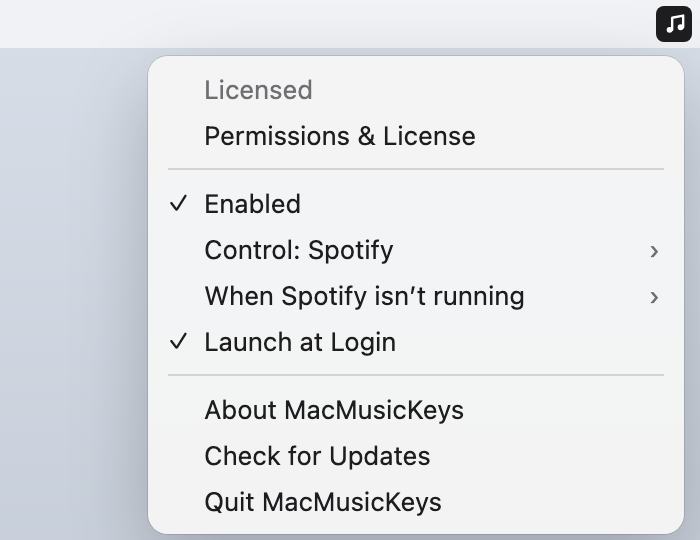
Play/Pause starts playback. Next and Previous skip. If the target is closed, MacMusicKeys can launch it in the background.
See it on the Mac
Why the keys go to the wrong app
macOS gives hardware media keys to whichever app last held the system Now Playing role. A YouTube tab in Chrome, a Music auto-launch, or Spotify waking in the background can steal Play from the player you meant to control. There is no system setting that pins those keys to one app.
MacMusicKeys consumes Play, Pause, Next, and Previous and performs them against the Media Target you chose. It does not guess from who is running. It does not fall through to a second player. If it cannot act — no player installed, Automation denied, or you asked it to pass through — it lets the key through so something still reacts.
The builds are signed and notarized. Auto-update is built in. One license covers up to five of your Macs, with a 7-day trial and a 14-day first-payment refund. I built this after the version of MacMediaKeyForwarder I relied on stopped keeping pace with newer macOS releases.
Requirements
- macOS 13 Ventura or later, including current Sequoia and Tahoe releases
- Music or Spotify installed — only the desktop apps count, not a browser tab
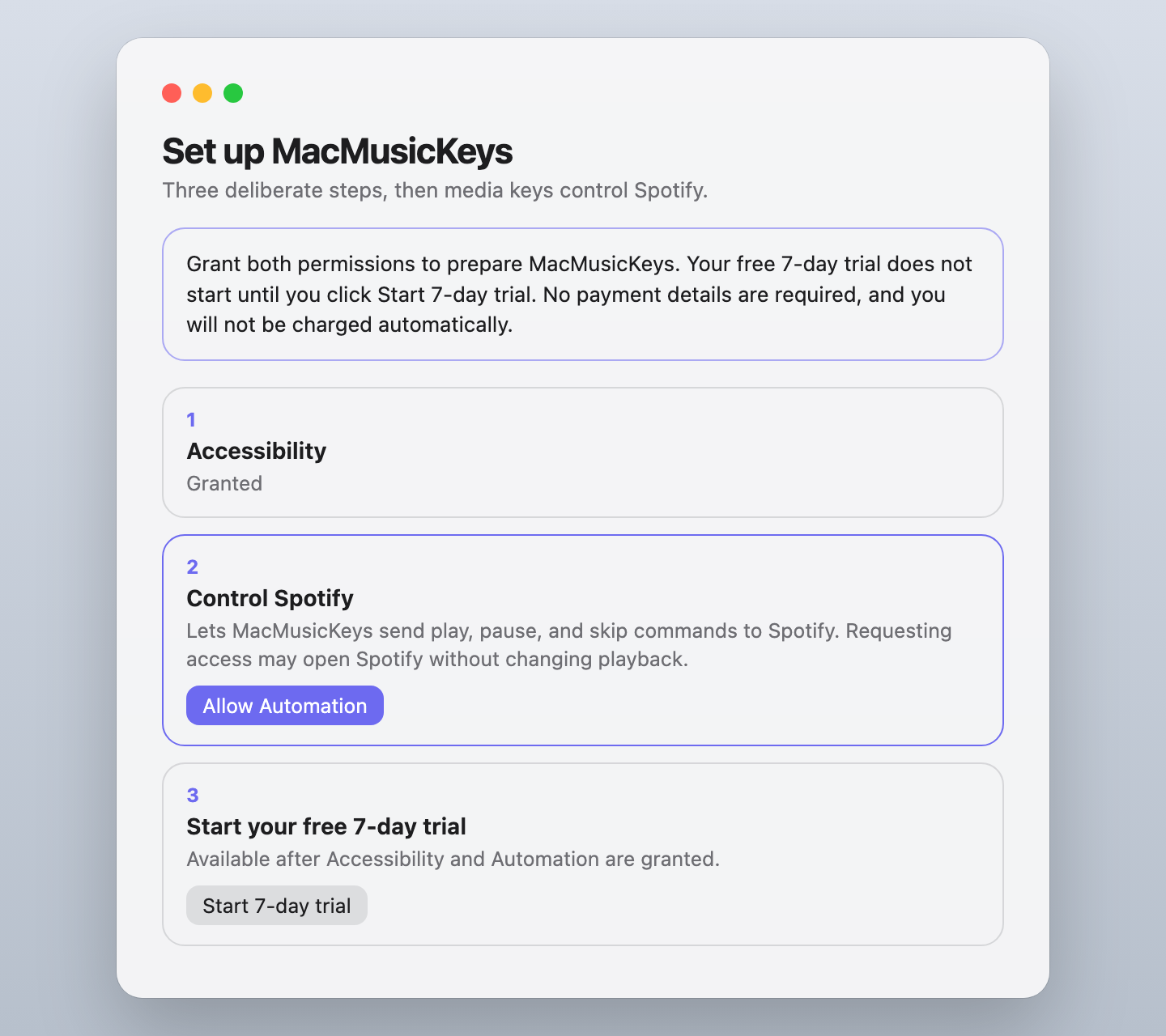
- Accessibility to capture the keys, and Automation to command the chosen Media Target. MacMusicKeys guides you through both, then you explicitly start the 7-day trial.
FAQ
Is this an alternative to BeardedSpice or MacMediaKeyForwarder?
MacMusicKeys solves the same media-key routing problem with a narrower design: it sends keys only to Music or Spotify. BeardedSpice covers browser sites and more native apps; MacMediaKeyForwarder directly routes to iTunes or Spotify. Compare all three.
Why do Chrome or other browsers steal my media keys?
macOS hands those keys to whichever app last held Now Playing. A Chrome or Safari tab that starts audio can take Play from Music or Spotify. MacMusicKeys intercepts the four keys first and sends them to your chosen Media Target instead.
What if YouTube is playing and I want Spotify or Music?
The chosen Media Target still receives every consumed press. YouTube in a browser tab is not a Media Target. If MacMusicKeys is Active and can drive Music or Spotify, the keys go there even while a video is playing.
Why do you need Accessibility and Automation?
Accessibility lets MacMusicKeys install the event tap that captures media keys before other apps. Automation lets it send play, pause, and skip to the chosen Media Target. The 7-day trial does not start until both are granted and you click Start 7-day trial.